Redrawer
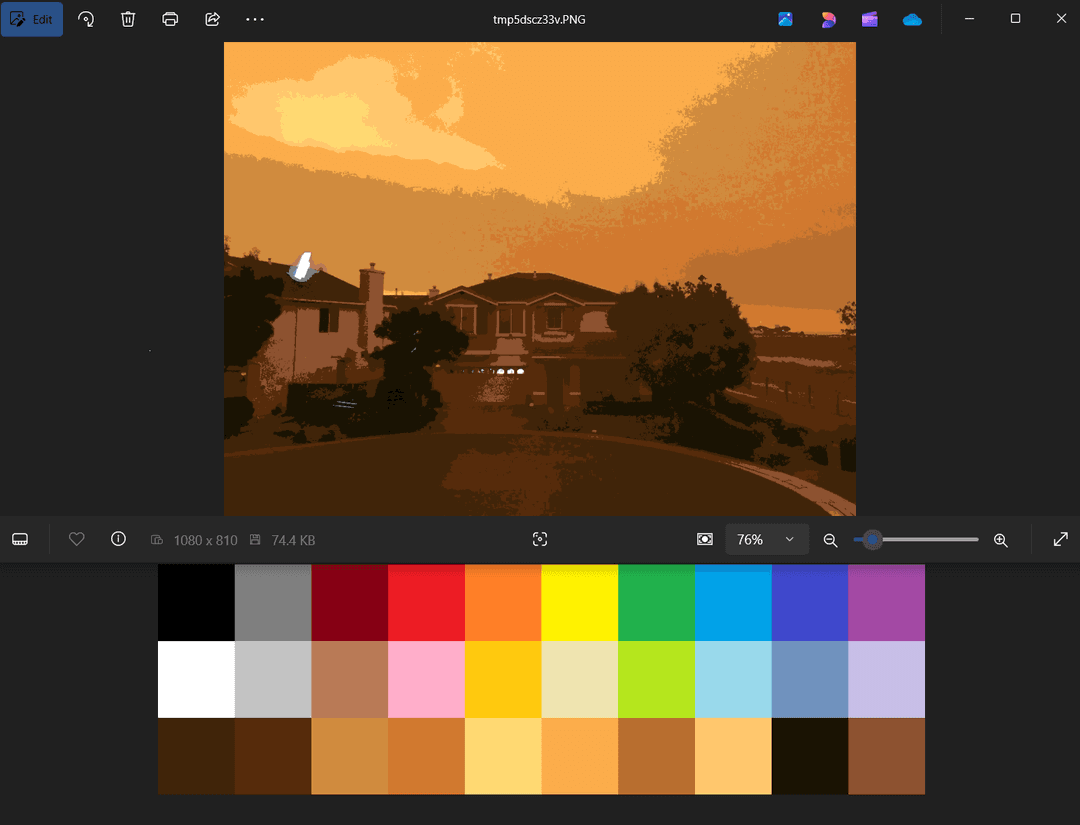
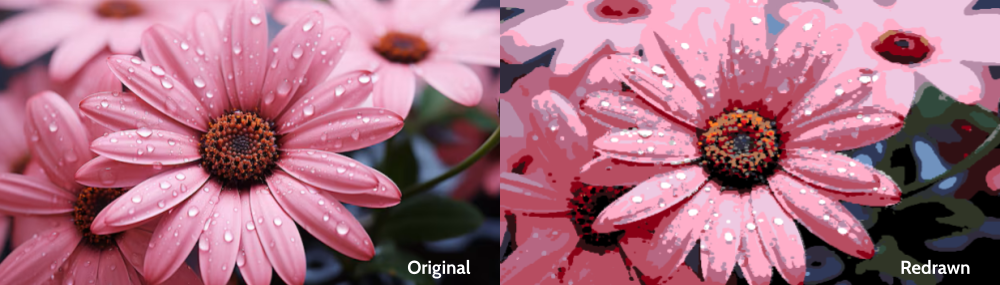
Recreate images in Microsoft Paint with a limited palette of 20 default colors and 10 custom selected colors from the image.
Description
Redrawer recreates images by taking control of your keyboard and cursor and drawing an image on the Microsoft Paint Canvas. Before this, a couple steps are taken.
- A palette of colors is built, expanding on the 20 default colors of Microsoft Paint, adding 10 custom colors based on color frequencies and uniqueness from the input image.
- A processed version of the image is built, using the 30 palette colors.
- A Microsoft Paint window is started, and the canvas, brush size, palette colors, and various other settings are initialized.
- The processed image is "redrawn" onto the canvas
Getting Started
Dependencies
- The program utilizes the Microsoft Paint app, so must be on a Windows system. Windows 10 works, Windows 11 untested.
- Python 3.11+
Installing
- Download repository from GitHub to it's own directory
Executing program
- Modify the settings in
settings.envfound in the root directory. Specifically, provide the path to the input image - Run
main.py - Press
ESCto stop the program. Especially helpful to regain control.
Authors
Ethan Chennault